Meet your future baby a little early
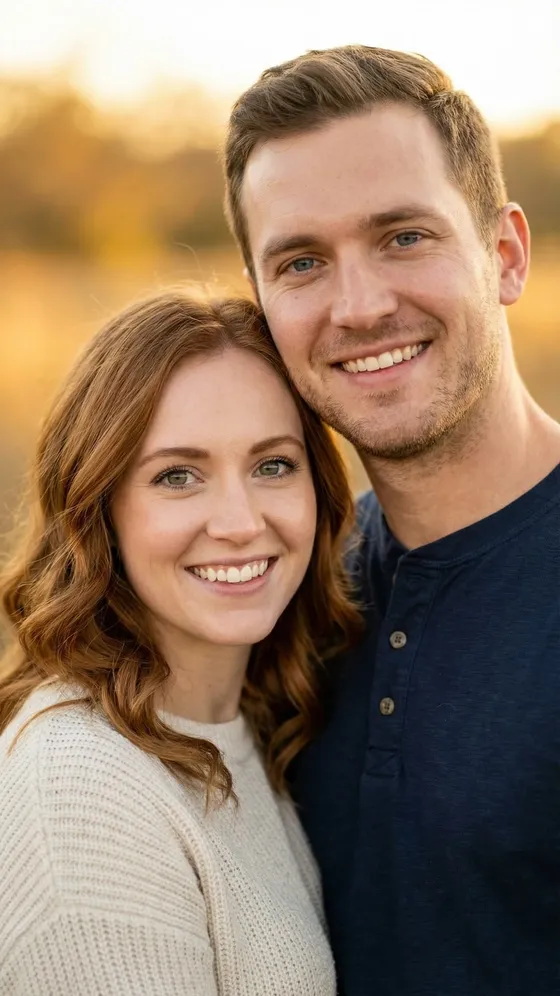
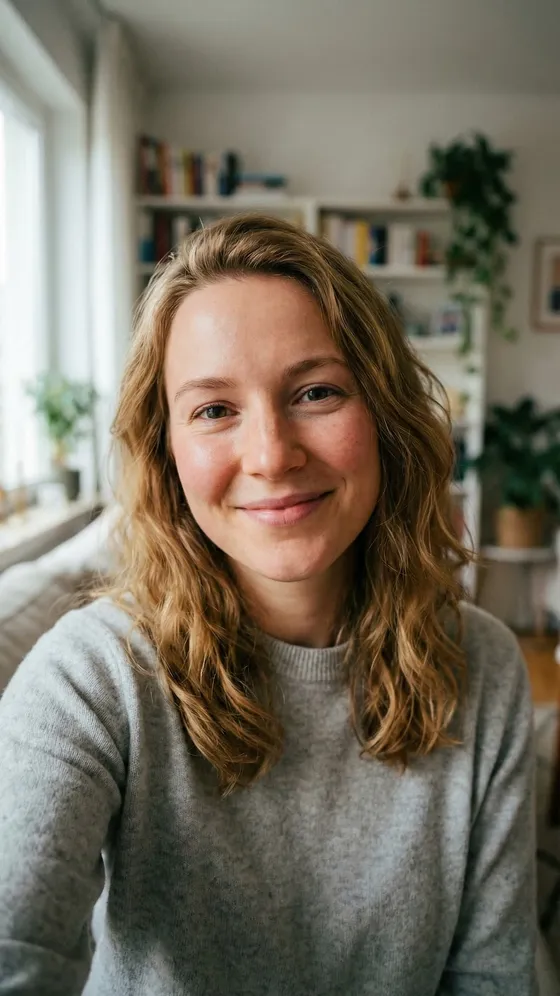
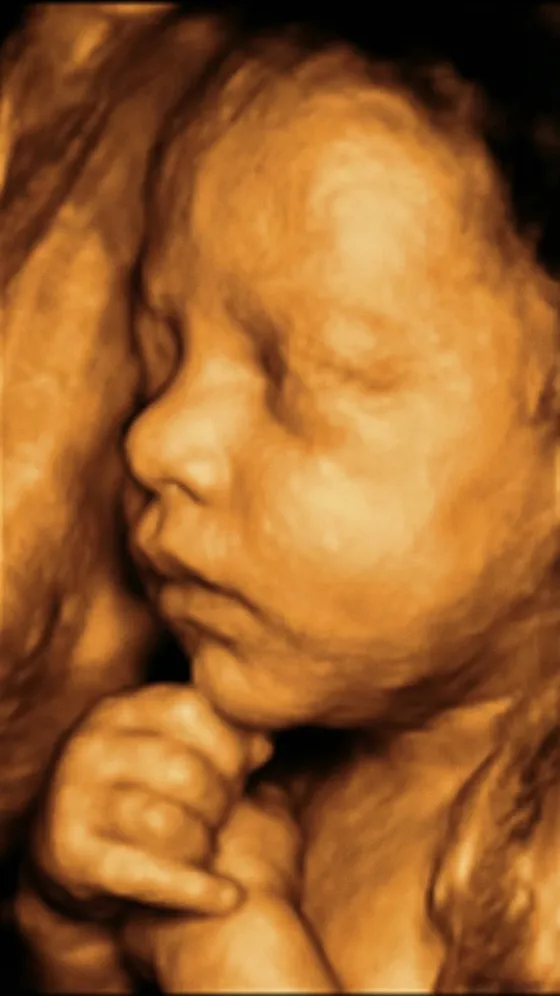
Add a photo of the two of you, a selfie or an ultrasound scan. Babyoo imagines the baby: a toddler with your features who seems to have borrowed your sweater, or a newborn drawn from the scan.
Couple, Single or Ultrasound · Boy, Girl or Random
AI pictures for fun. Not a genetic or medical prediction.



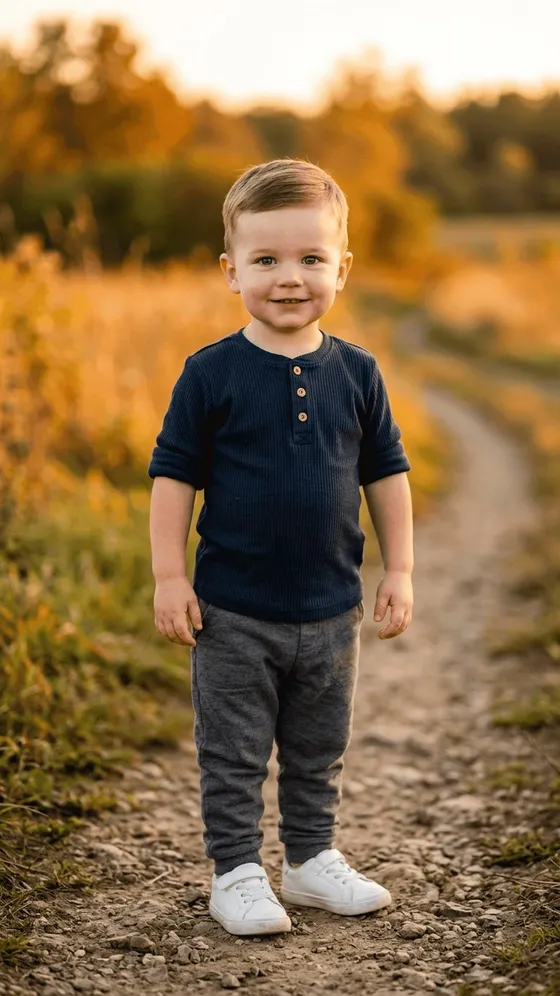

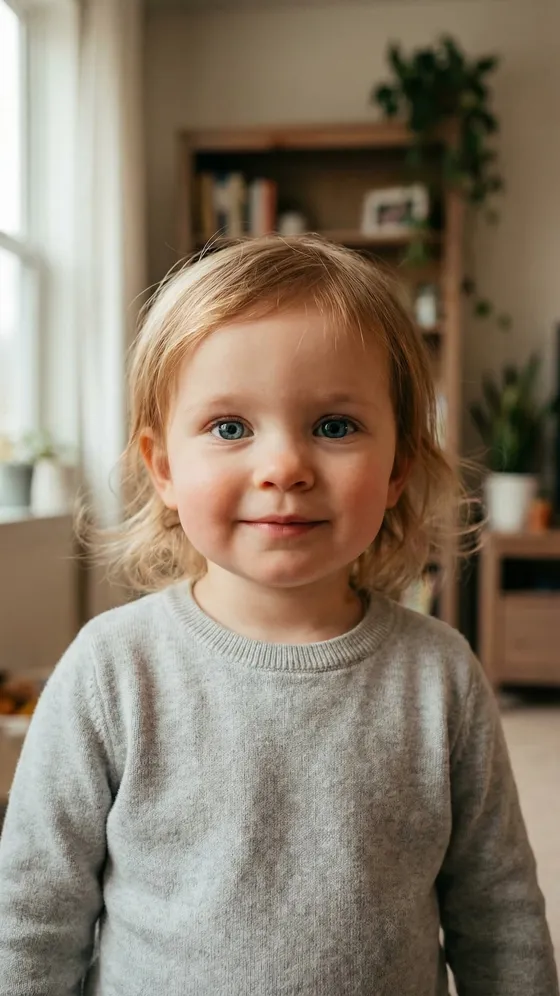

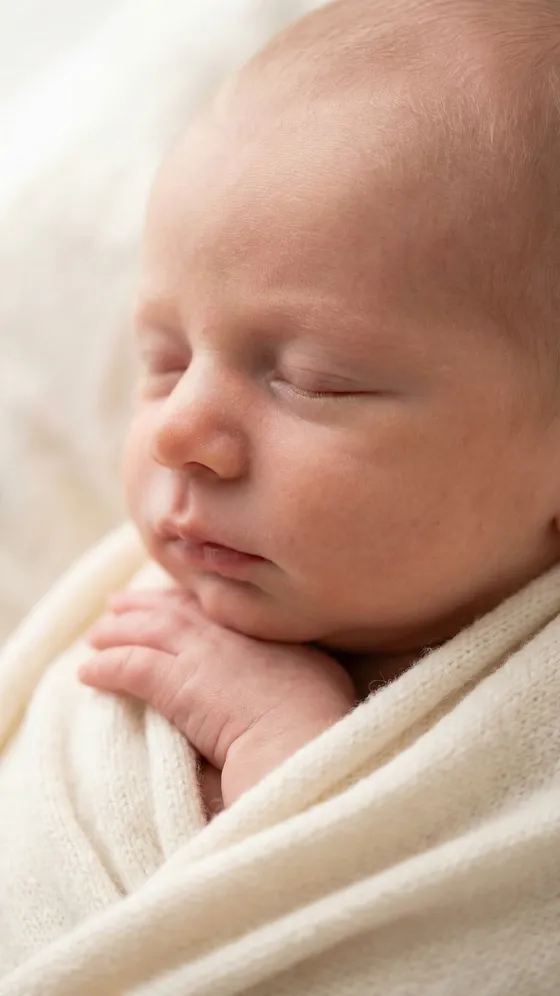
Three ways to meet them
The app plays these clips on its own mode cards. Each one starts on the photo and cuts to the baby the app made from it.
- Baby
Couple
Future Baby from Couple Photo
See what your future baby could look like from a couple's photo
- You add
- One photo of the two of you, both faces clear.
- You get
- A toddler of about two or three who blends both of you, dressed like one of you, in the place the photo was taken.
- Baby
Single
Baby from Your Own Photo
See what your future baby could look like from your photo
- You add
- A selfie, or any clear photo of one face.
- You get
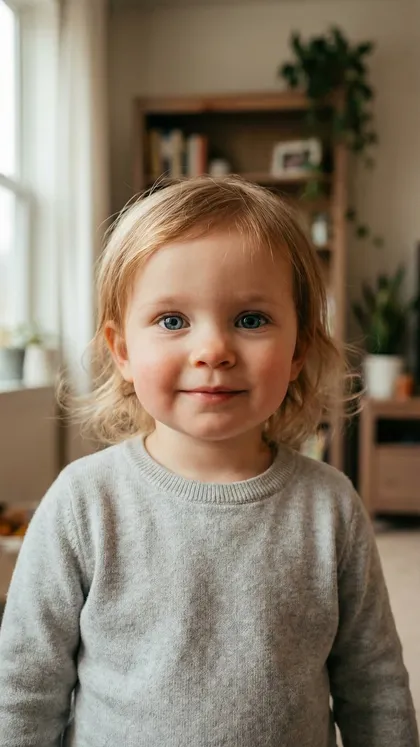
- A toddler of about two or three who takes after you, in clothes like yours and the same background.
- Baby
Ultrasound
Ultrasound to Realistic Photo
Transform your ultrasound photo into a realistic baby image
- You add
- An ultrasound image. Scans that show the face give the AI the most to work from.
- You get
- A newborn in the same pose as the scan, on a soft cream blanket.
Six couples and the kids the app gave them
These are the example couples Babyoo shows when you first open it. Tap a photo to see the child the app made from it.
How it works
-
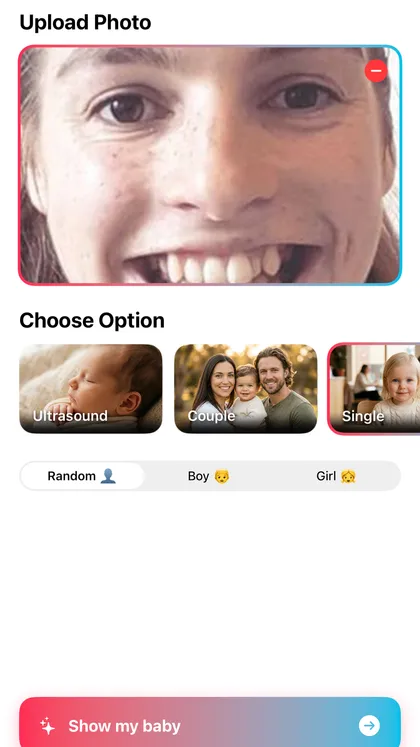
1. Add a photo, pick a mode
Take a photo or choose one from your library, then pick Couple, Single or Ultrasound, and Boy, Girl or Random.
-
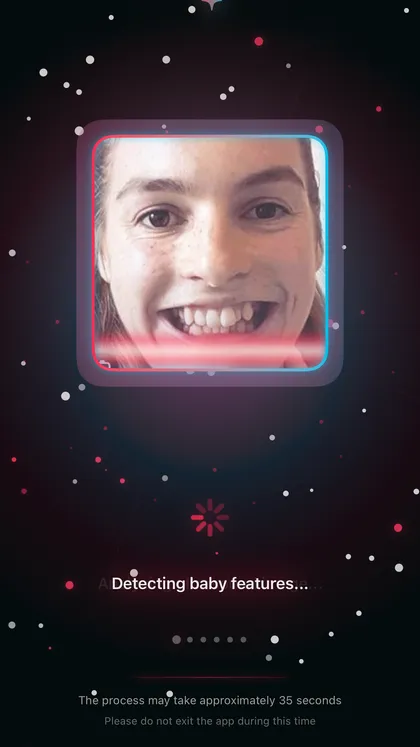
2. Let the AI work
Babyoo studies the faces, or the scan, and builds the baby. The app asks you to stay on this screen while it works.
-
3. Save it or share it
Save the picture to Photos, or send it to the family group chat.
What the app does
Boy, Girl or Random
Tell the AI which to draw, or leave it on Random and let it decide.
Dressed like you
Kids from Couple and Single wear clothes like yours, even tiny glasses or a hat if you have them on.
Asks before it sends
The app asks for your permission before your first photo goes to the AI service. Nothing is sent if you decline.
Every family
The app ships example families from six regions, and makes babies from any couple or face you add.
Frequently asked questions
Is this what our baby will really look like?
No. Babyoo makes an AI picture for fun. It cannot read genes, and real children inherit traits in ways no photo shows. Treat the result as a guess you can frame, not a forecast.
Does choosing a boy or a girl predict anything?
No. Boy and Girl only tell the AI which to draw. Random leaves the choice to the AI.
Does the ultrasound mode show my baby’s real face?
No. Ultrasound turns the scan into a realistic newborn portrait that follows its pose and the features it can see. It is a keepsake, not a medical image, and it says nothing about your baby’s health.
Which photo works best?
A clear, well-lit photo with faces toward the camera. For Couple, both of you in one photo. For Single, a selfie is fine. For Ultrasound, a scan where the face is visible.
Is Babyoo free?
The download is free. Making a baby picture needs a subscription, and the app shows you the plans and prices before your first result.
What happens to my photos?
After you allow it, the app sends your photo through AIProxy to OpenRouter, which passes it to Google’s AI model to make the picture. We run no server that stores your photos. The result goes to Photos only when you tap Save. The privacy policy has the details.
Someone is going to ask who they look like.
Download Babyoo and make the first guess yourself.